 |
undoStudio
The IDE of the undoRT ecosystem
|
|
undoStudio
The IDE of the undoRT ecosystem
|
undoStudio has one editor panel. A Structured Text file, a JSON file, a C++ file and a plain text file all open in it, each in its own tab, above the same tab bar.
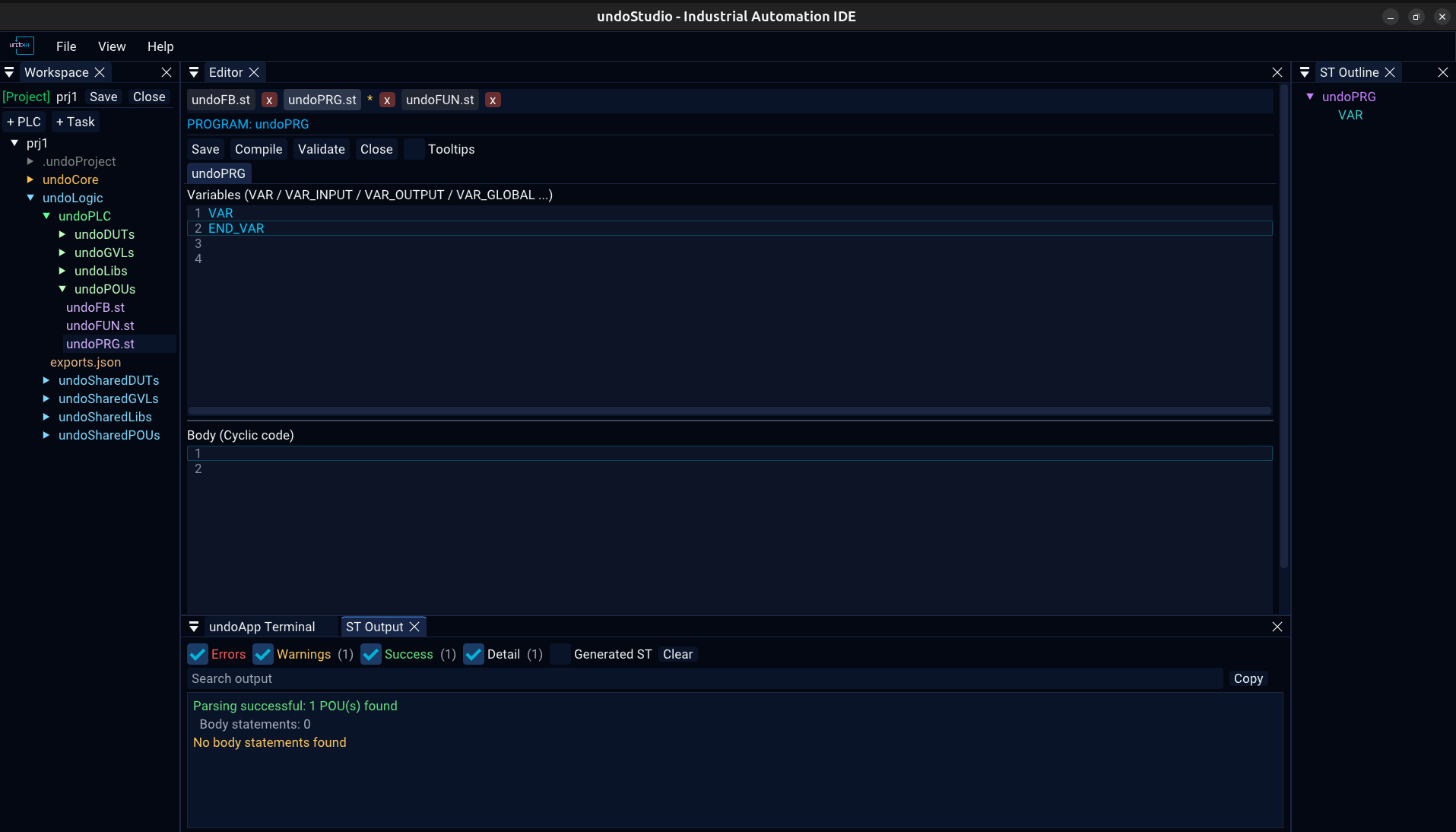
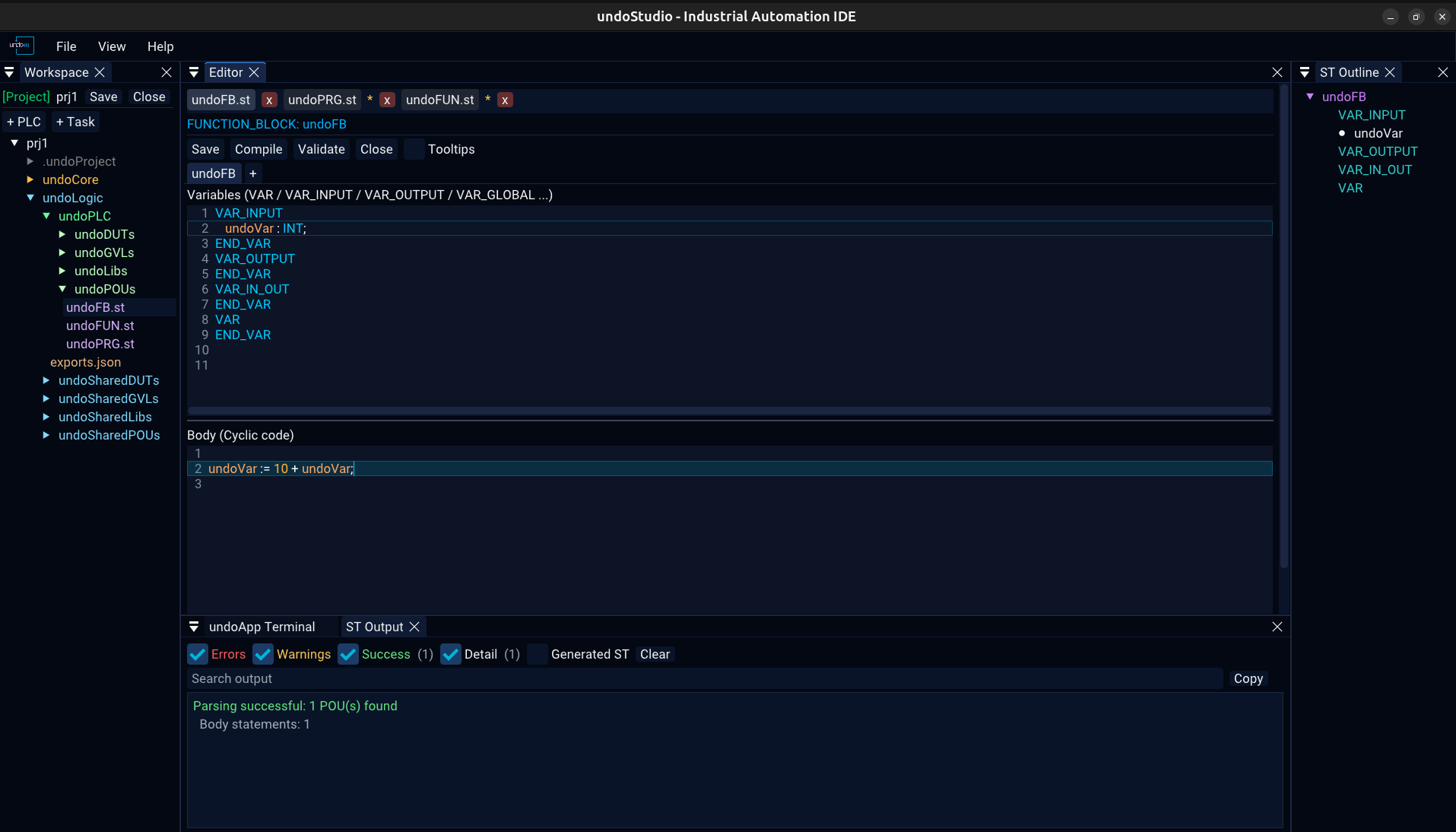
| A click keeps the tab | There is one preview slot, and browsing the tree through it replaces what was there. A file somebody asked to see is still there when they ask for another one. |
| A second click is not needed | ImGui only reports a double click when both clicks land within a few pixels of each other — a rule nobody can see. |
| An asterisk means unsaved changes | It is the file's own text that is asked, not a flag set when the tab was left. Browsing past a file with edits pins it rather than throwing the typing away. |
Ctrl+S saves | The button is there too, in the ST toolbar. |
| Closing a tab unloads the file | Closing the project clears them all. |
| Renaming follows the file | A rename or a move in the tree rewrites the tab, the path a save goes to, and the key its text is held under — all four, or Ctrl+S writes a copy where the original used to be. A deleted file takes its tab with it. |
A file that is not on screen is not kept in memory as text on disk: its unsaved contents are stashed, and the stash is handed back when the tab is selected again.
| Extension | Backend | Notes |
|---|---|---|
.st | Structured Text | structured-text.md |
.json | JSON, or Text if it is project configuration | json.md |
.c .cpp .cc .cxx .h .hpp .hh .hxx | C++ | Syntax colouring from ImGuiColorTextEdit's own definition |
| anything else | Text | No colouring |
Which backend a .json gets is the file's role, not its extension, answered from the project that is open. That is why a .json outside any project is a tree and the same extension inside one is text: the configuration is the file the user is told to edit by hand, and a tree has nothing to type into.
Right-click any .json in the Workspace tree:
Both replace the tab rather than adding a second one. One file is one row in the bar, and the row is whichever view it is in.
| Panel | What is in it |
|---|---|
| Workspace | The file tree, and the project toolbar — workspace.md |
| ST Output | Build and validation messages — output.md |
| ST Outline | The POU, its sections, methods, structs and enums, from the parsed file — structured-text.md |
| undoApp Terminal | An embedded shell — terminal.md |
All four are listed under View and can be shown or hidden, and View > Reset Layout puts them back where the shipped layout has them.
 1.9.8