 |
undoStudio
The IDE of the undoRT ecosystem
|
|
undoStudio
The IDE of the undoRT ecosystem
|
A project is a directory with a .undoProject/ descriptor in it. Opening one changes what the Workspace tree shows and what a .json opens as.
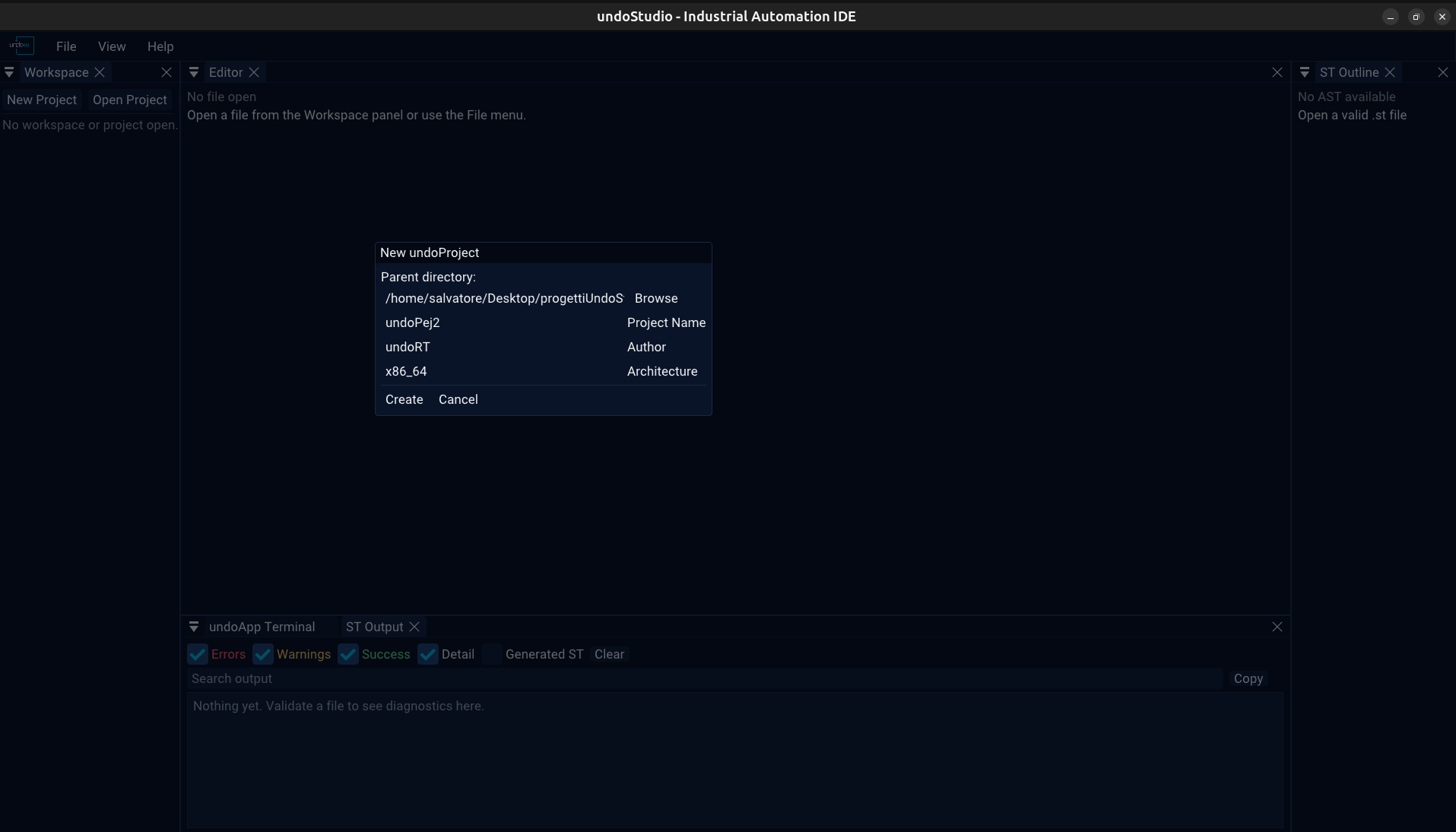
New Project in the Workspace toolbar asks for a name, a parent directory and an author, then writes the descriptor. Open Project picks a directory that already has one; the dialog is a folder chooser, and it falls back to zenity when tinyfiledialogs is not compiled in.
With a project open the header names it in green, with Save and Close beside it. Save writes the descriptor back; Close drops back to the plain workspace and clears the tab bar.
The Workspace panel has a toolbar above the tree and a second one below it.
| Without a project | With a project | |
|---|---|---|
| Above | New Project, Open Project, Select Workspace, Refresh | the project name, Save, Close, Select Workspace, Refresh |
| Below | + POU, + Folder, + File | + PLC, + Task |
Select Workspace is the folder-without-a-project case: the tree is flat and the folder is where files are opened from.
All of it is JSON, and nothing reads or migrates the old TOML format, so a project written against it has to be rewritten once. See json.md for the two backends a .json can get.
A folder can be opened as a workspace with no project in it. The tree is flat rather than role-aware, the folder context menu offers the generic New POU / New File / New Folder, and every .json in it is a tree rather than configuration.
With a project open, the tree is built from the roles in plcs.json and the shape of the directory rather than from names alone: undoLogic/<plc>/exports.json is the PLC's exports file because the PLC is in the list, not because of what it is called. A project with no plcs.json has no PLC, and its exports file is an ordinary .json.
A project that has been open is remembered between runs: recent.md.
 1.9.8